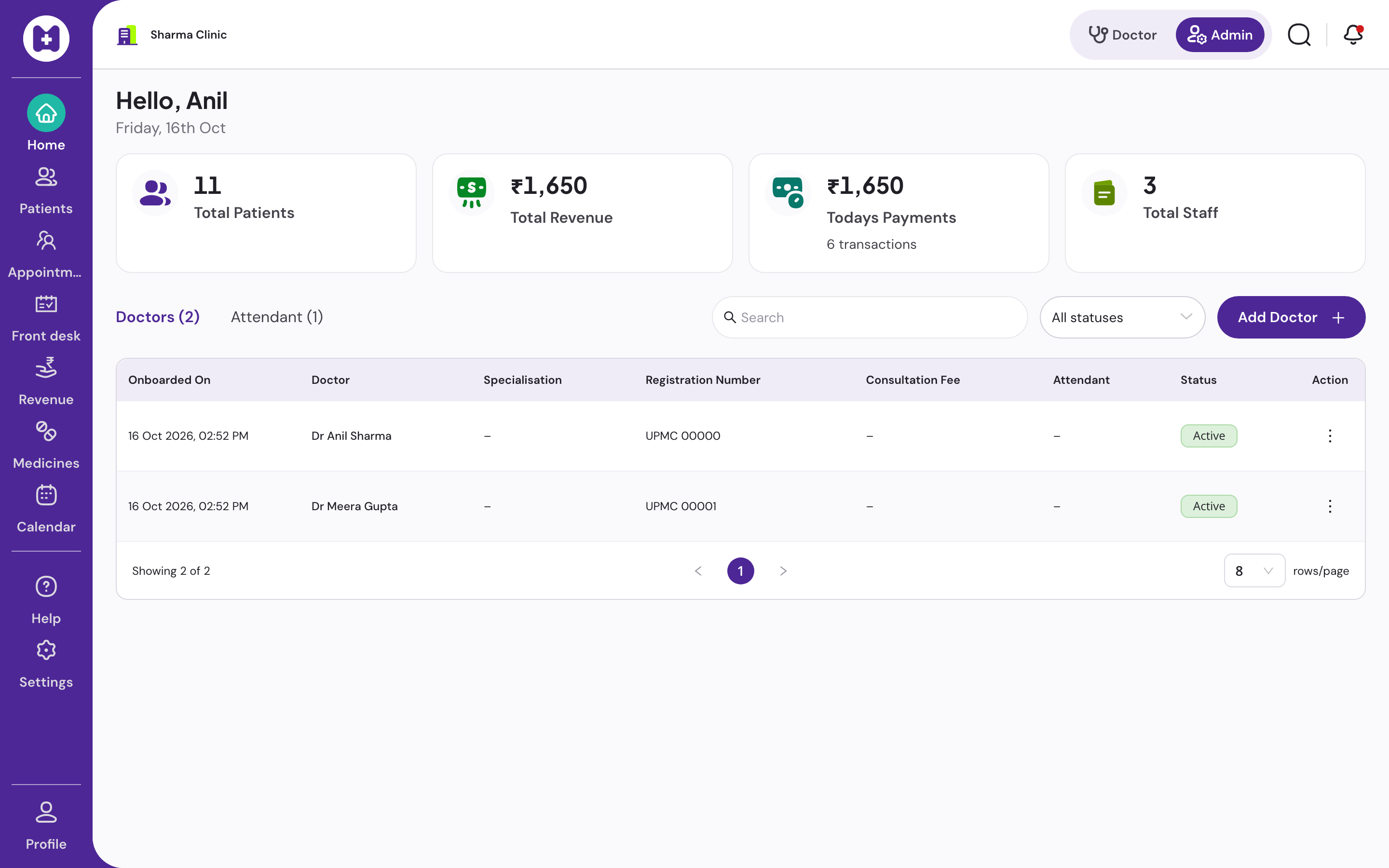
Patient queue management
Patient queue management system for clinics, with daily tokens
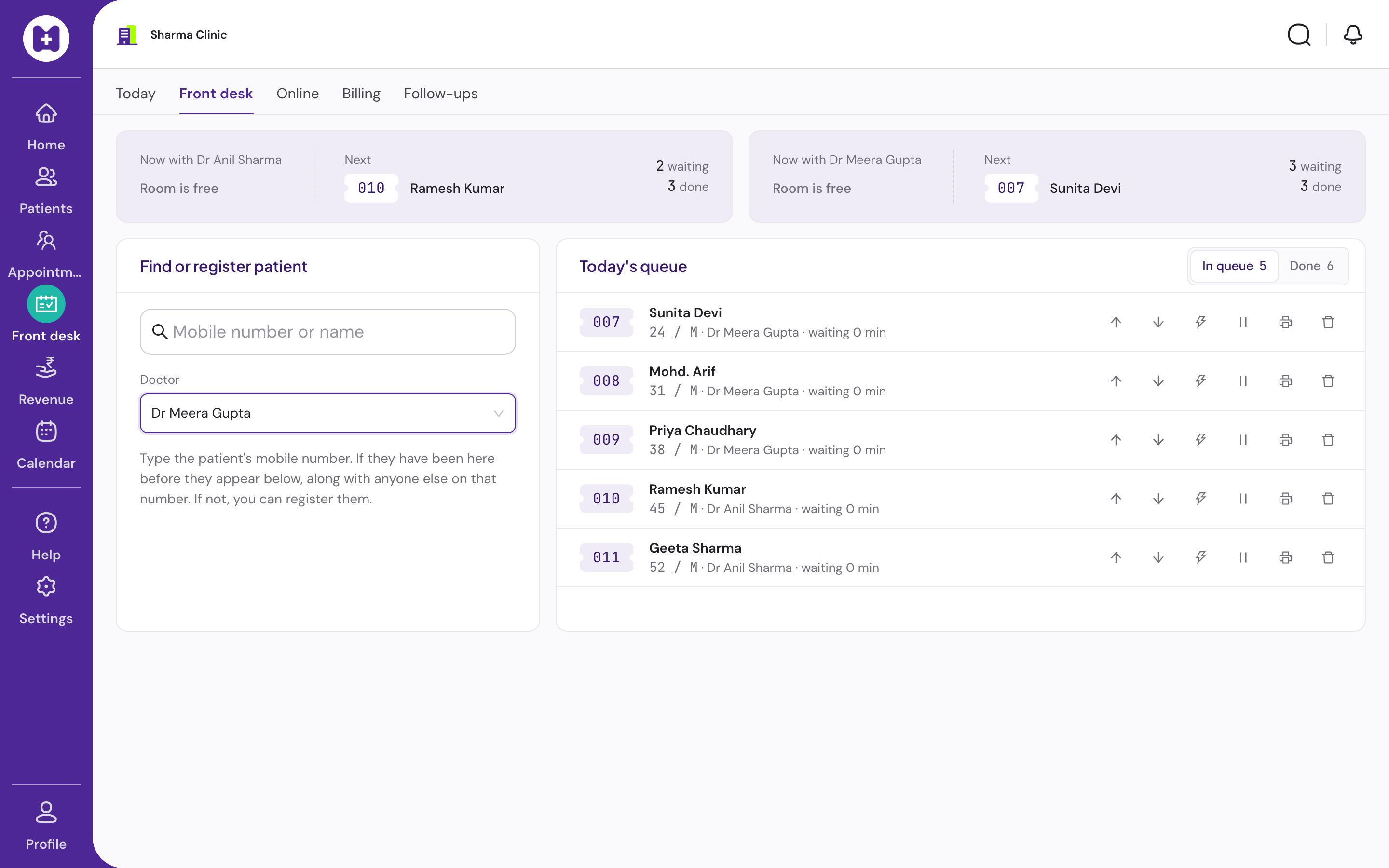
Daily tokens that reception and the doctor share in real time. Reorder, mark priority, hold a place for someone who stepped out, print a token slip with the approximate wait. Works with no internet.
At a glance
- Tokens
- Daily, per clinic
- Concurrency
- Safe with two desks
- Statuses
- 6, incl. stepped out
- Doctor view
- Current, next three, rest
- Token slip
- Optional 80 mm, offline
- Price
- No licence fee
What is a patient queue management system?
A patient queue management system issues a token to each patient as they arrive, shows the order to reception and the doctor, tracks each patient's status from waiting to done, and handles the exceptions: a priority case, someone who stepped out, a no-show. In a clinic it replaces the token board and the shouted name, and it tells the patient roughly how long.
Six statuses, because real queues are messy
Waiting, called, in consultation, done, skipped, stepped out. A queue that only knows waiting and done cannot hold a place for the patient who went to the pharmacy next door, and cannot tell the doctor that the next name has already been called twice.
Removing a patient asks for confirmation, so a mis-click at a busy desk does not lose someone's place.
An honest wait estimate
The token slip's approximate wait is computed from the number of patients ahead and that doctor's configured minutes per patient. It is an estimate, labelled as such, and it is printed only if the clinic switches token slips on.
There is no patient-facing display screen or app today. The slip is the patient's view.
- Token slips are off by default, switched on per clinic
- 80 mm thermal printer, any model that prints from the browser
- Reprint any slip from the queue
In Vitels
Everything the token board did, and the things it could not
Daily tokens
Tokens reset each day. Issued safely when two receptionists click at the same second.
Two screens, one queue
Reception and the doctor see the same queue within seconds. The doctor sees the current patient, the next three and the rest collapsed.
Reorder
Drag, or use the buttons. The new order shows on the doctor's screen at once.
Priority
Flag a case to move it up without losing the rest of the order.
Stepped out
Mark a patient who left the room. Their place is held until they return.
Doctor assignment
In a multi-doctor clinic, assign each token to a doctor. Each doctor sees their own list; reception sees all.
Token slip
Optional 80 mm slip: token, doctor, patients ahead, approximate wait from the doctor's own minutes per patient. Prints offline, reprints from the queue.
Offline
Status changes, priority and reorder work with no internet and sync later. Adding a cached patient to the queue works offline too.
Questions
Straight answers
01Does the token number reset every day?
Yes. Tokens are daily and per clinic.
02What if two receptionists add patients at the same time?
Token numbers are issued safely under concurrent use, so two desks never hand out the same number.
03Can a patient keep their place if they step out?
Yes. Mark them stepped out and their position is held. Call them from the same place when they return.
04Is there a waiting-room display?
Not today. The optional printed token slip, with patients ahead and an approximate wait, is the patient's view.
05Does the queue work for several doctors?
Yes. Assign each token to a doctor. Each doctor sees only their own queue; reception sees every doctor's queue.
06Does it work offline?
Yes. Status changes, priority, reorder and adding a cached patient work with no internet and sync when the connection returns.
Set up your clinic in about ten minutes.
Sign in with your mobile number, enter the clinic details, and our team verifies your medical council registration before patient registration switches on. Usually one working day.
No card · No licence fee · Export any time