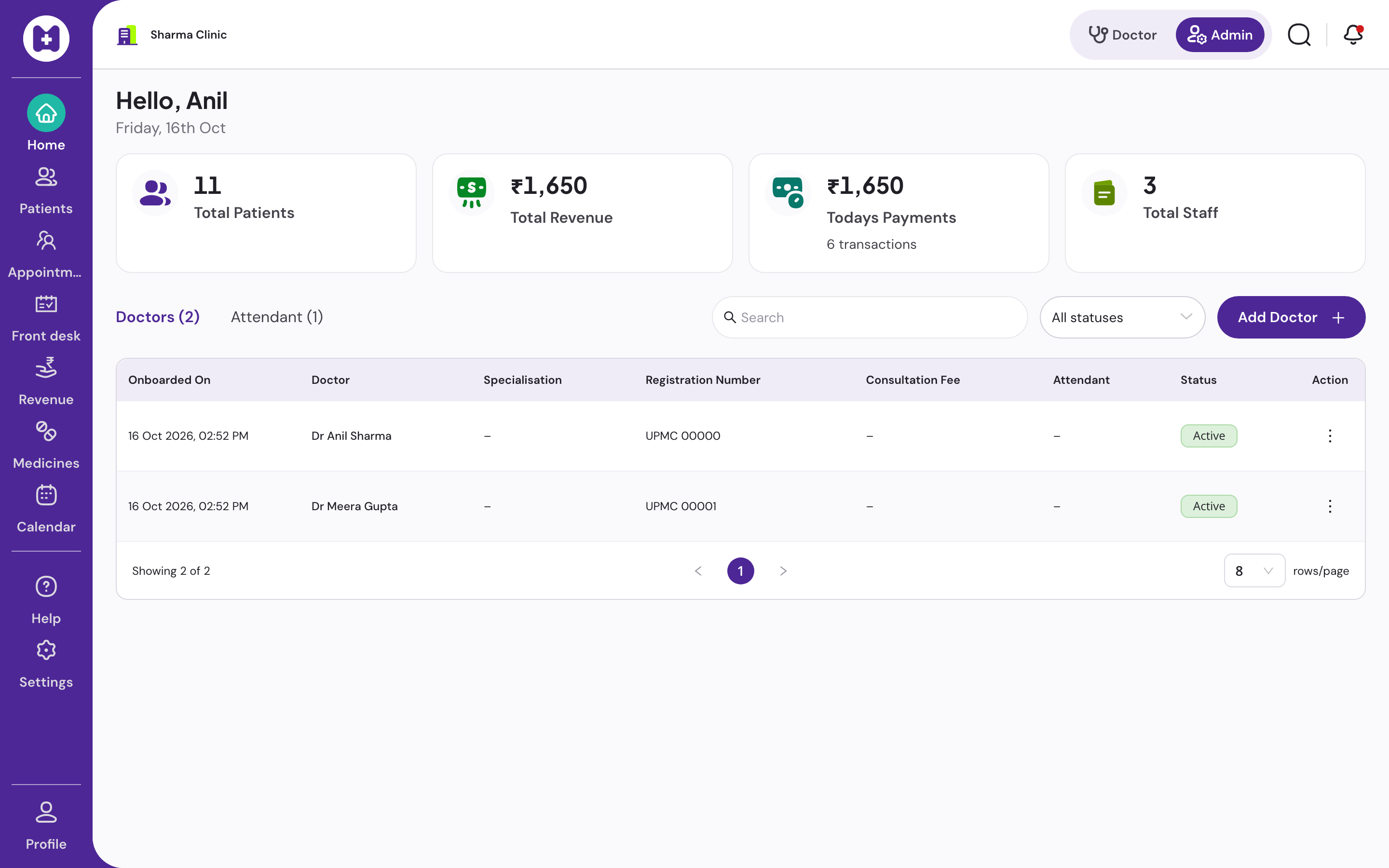
For reception and attendants
A front desk that moves as fast as the waiting room fills
Phone number in, patient found, token issued. Billing and receipts at the end. Everything keeps working when the internet drops.
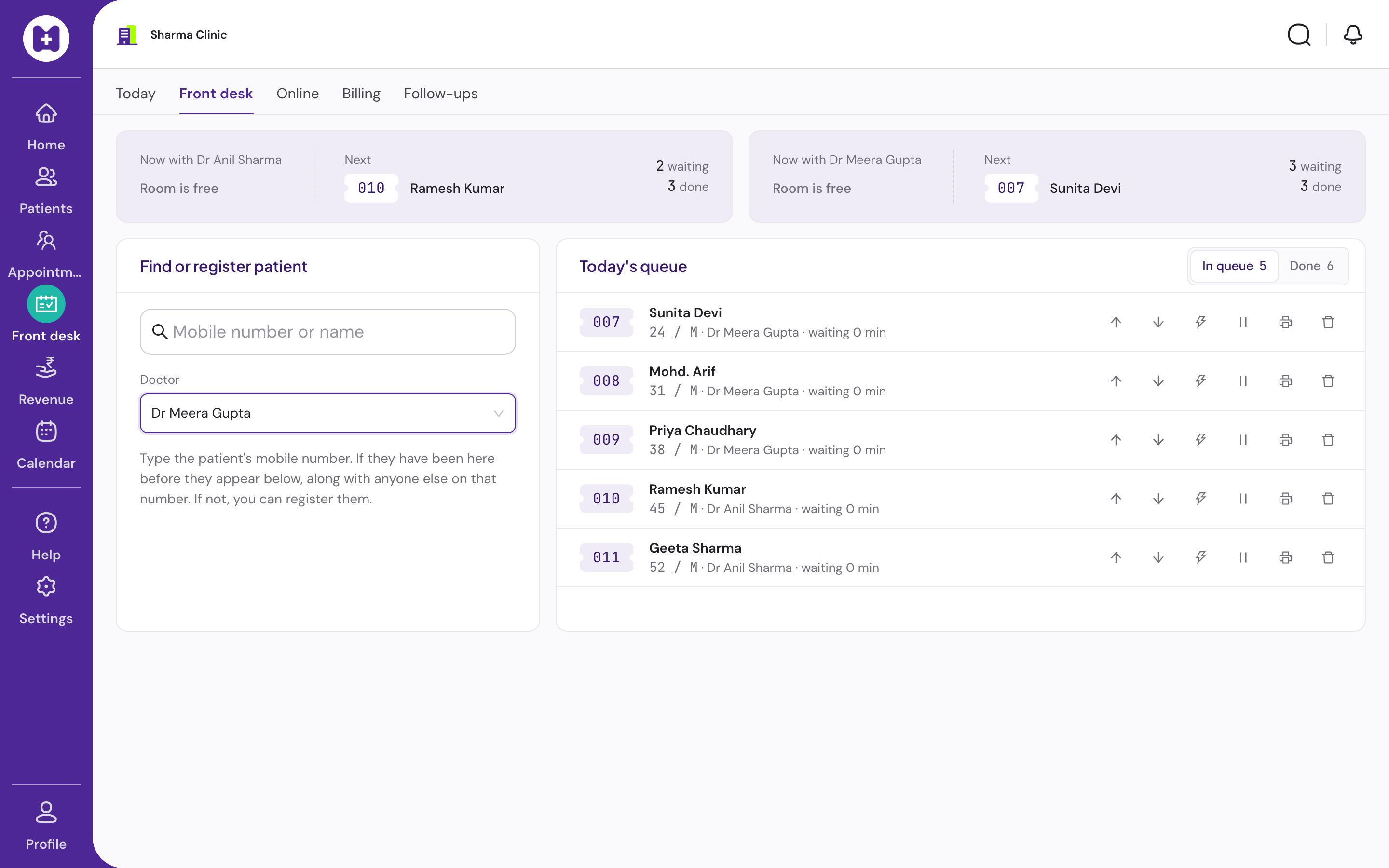
The front desk
Find or register, queue, bill. Three panels, one screen.
Two receptionists can work the same queue at once. Tokens stay in order.
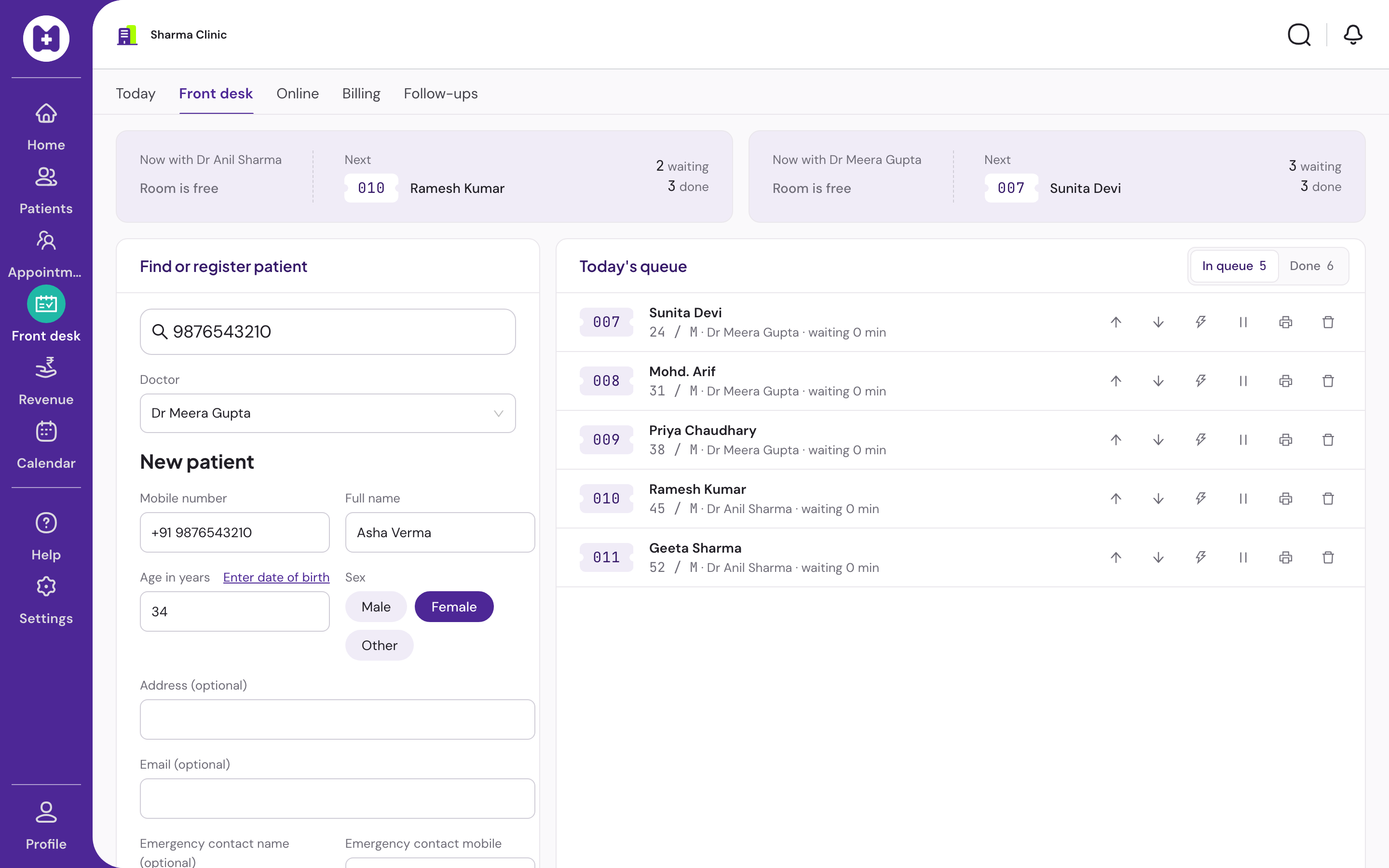
Search before create
Type the phone number. Existing patients appear with one-click add to queue. New patients open a form with the number already filled.
Families on one number
Several patients on one phone number is normal. Pick the right person or add a family member in a few seconds.
Token queue
Daily tokens, waiting, called, in consultation, done, skipped. Reorder by drag, mark priority, hold a place for someone who stepped out.
Token slip
Optional 80 mm slip with token, doctor, patients ahead and approximate wait. Prints offline. Reprint from the queue.
Billing and receipts
Fee per doctor, cash, UPI or card, A5 receipt. Day book at close. A mistake is voided with a reason, never edited.
Offline front desk
Queue, billing, cached patients and printing work with no internet. New registration waits for the connection.
Appointments at the desk
Book, check in, reschedule and cancel from the calendar. Sessions and leaves set by the clinic.
Hindi and English
Registration notice and printed slips in both. Devanagari names and addresses render correctly.
When the connection drops
The desk keeps moving
The queue, billing, cached patients and printing stay on the device. Only a brand-new registration waits for the internet, and says so plainly.
Day pack
On login and every two minutes: today's queue, each patient's context and last three visits, letterhead, favourites and the drug list are stored on the device.
Ordered outbox
Everything you do offline is queued in order and drains when the connection returns. Replays are safe.
Plain status
The header shows what is waiting and what failed, with retry.
Questions reception asks
Day one at the desk
01Do I need to type a lot?
No. Phone number, name, age and sex for a new patient. Returning patients are one click.
02The doctor runs late. Can I move people?
Yes. Drag to reorder, mark priority, or use the buttons. The doctor's screen updates within seconds.
03Someone stepped out when called.
Mark them stepped out. They keep their position and are called next when they return.
04Can I correct a patient's name or age?
Yes, from the patient's details. Corrections are recorded.
Set up your clinic in about ten minutes.
Sign in with your mobile number, enter the clinic details, and our team verifies your medical council registration before patient registration switches on. Usually one working day.
No card · No licence fee · Export any time