Clinic billing software
Clinic billing software where saved amounts cannot be quietly changed
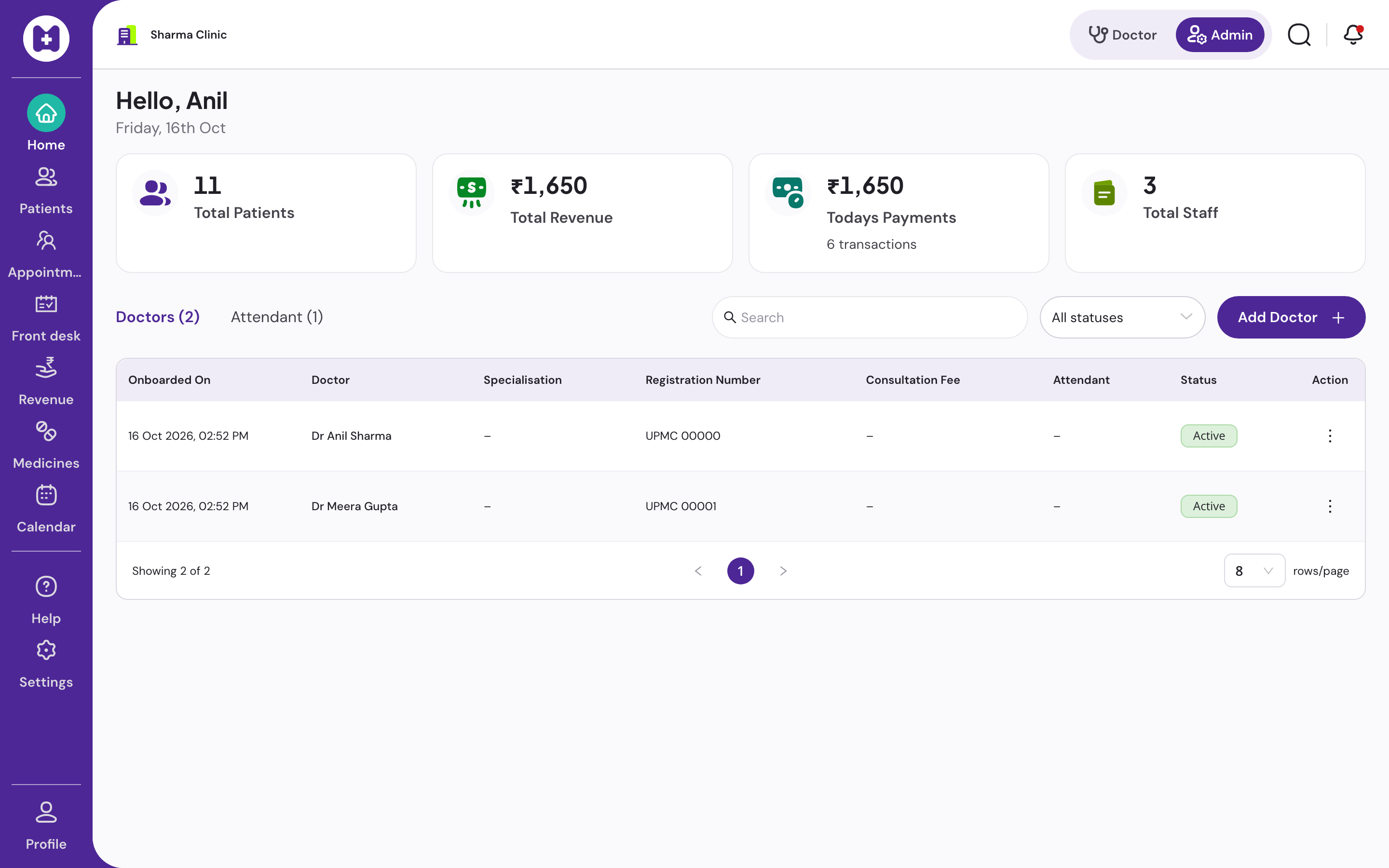
Consultation fees, receipts, a day book that balances, and revenue by doctor and payment mode. Saved amounts cannot be edited; the database itself refuses the change, not just the app. A mistake is voided with a reason and a new receipt is issued. Works offline.
At a glance
- Modes
- Cash, UPI, card
- Receipt
- A5, your letterhead
- Day book
- A4, totals by mode
- Edits
- Not possible; void with reason
- Offline
- Bill and print
- Price
- No licence fee
What should clinic billing software do?
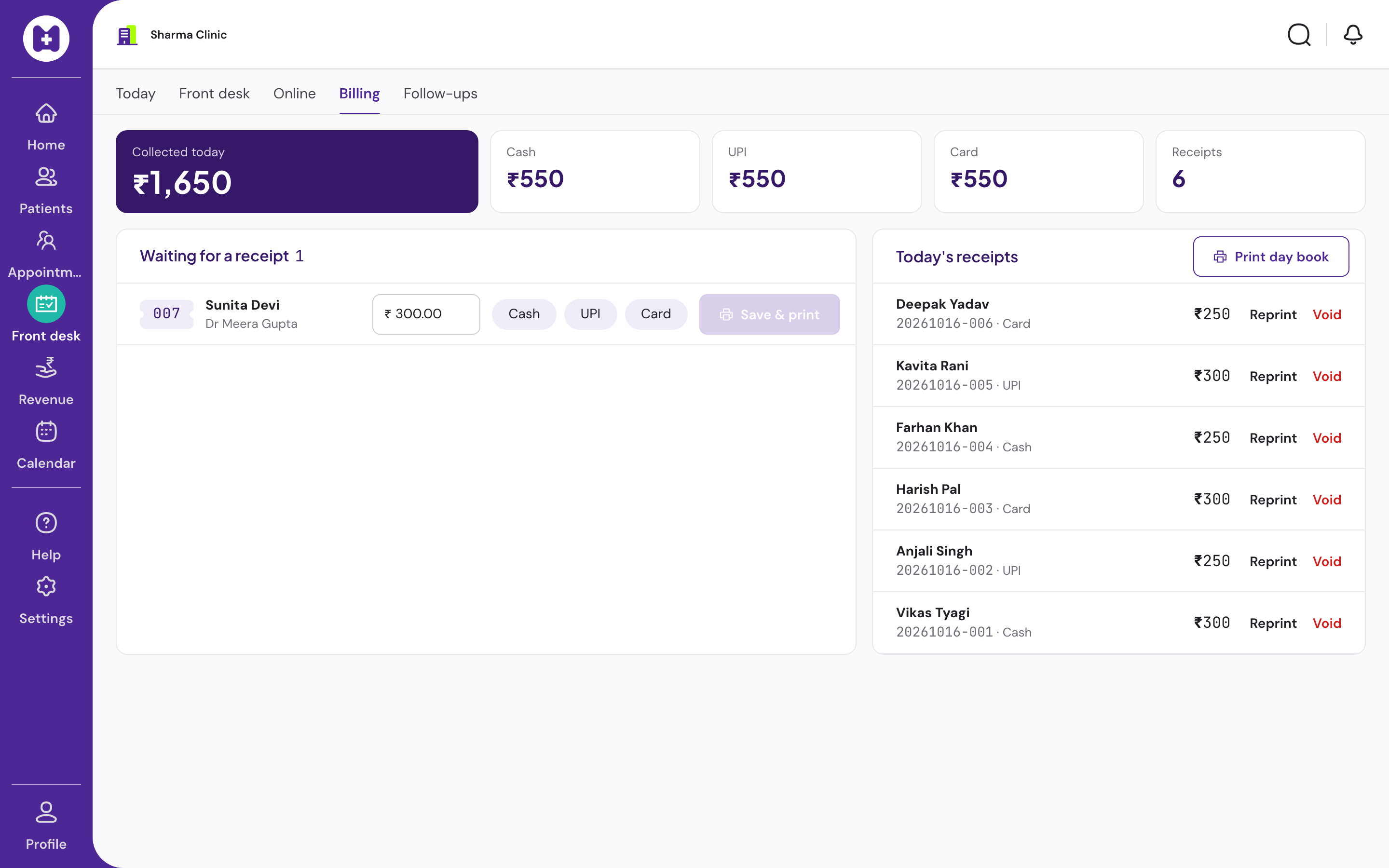
Clinic billing software records each consultation fee against the visit, prints a receipt, totals the day by payment mode, and gives the owner revenue by doctor and by day. The part most products get wrong is integrity: if a saved amount can be edited after the fact, the day book cannot be trusted. Vitels makes saved amounts immutable and voids mistakes with a reason.
Why immutability matters more than features
Most clinic billing disputes are not about software. They are about a figure that was changed after the patient left and nobody can say by whom. Software that allows editing a saved bill, or deleting one, makes every total provisional.
Vitels stores each amount once. Corrections are a void with a stated reason and a fresh receipt, both attributed to the staff member and both visible in the day book and the audit log. The owner can trust the total because nothing in it can be silently rewritten.
What this billing module is not
It is a consultation-fee module for outpatient clinics. It does not do pharmacy sales, inventory, inpatient billing, insurance claims or GST invoicing for goods. If your clinic sells medicines or runs an inpatient ward, you need something else for that part.
Online payment collection is not built. Patients pay at the desk by cash, UPI or card, and the mode is recorded.
- Per-doctor revenue split visible to admins only
- Receipt reprint from the transactions list
- Voids listed with reason and staff member
In Vitels
From fee to day book
Fee defaults
Default consultation fee per doctor or per clinic. Change it for a visit when needed; the record shows who did.
Receipts
A5 receipt on the clinic letterhead with the registration notice and grievance contact in Hindi and English.
Immutable amounts
A saved amount cannot be edited; the database itself refuses the change, not just the app. A mistake is voided the same day with a reason and a new receipt is issued.
Day book
A4 day book with totals by payment mode. Voids shown as voided, never deleted.
Revenue analysis
Summary cards with change on last month, collections by day and mode, per-doctor split for admins.
Transactions
Every transaction with search, filters, pagination and receipt download.
Offline billing
Record the fee and print the receipt with no internet. The outbox syncs when the connection returns.
Export
Billing data is part of the full CSV export a clinic admin can run at any time.
Questions
Straight answers
01Can I correct a bill after saving it?
Not by editing. Void it the same day with a reason, and issue a new receipt. Both appear in the day book, so the total always reconciles.
02Does it support UPI?
Yes, as a payment mode recorded at the desk. Vitels does not collect the payment itself; the patient pays your UPI QR or handset and the receptionist records the mode.
03Does it generate GST invoices?
It issues consultation receipts. It is not a GST invoicing tool for goods, and it does not handle pharmacy sales.
04Can each doctor have a different fee?
Yes. Fee defaults are set per doctor in admin, with a clinic-level fallback.
05Who can see revenue?
Revenue analysis and per-doctor split are visible to clinic admins. Reception sees the day's transactions it needs to work.
06Does billing work when the internet is down?
Yes. The fee is recorded on the device, the receipt prints, and the entry syncs when the connection returns.
Set up your clinic in about ten minutes.
Sign in with your mobile number, enter the clinic details, and our team verifies your medical council registration before patient registration switches on. Usually one working day.
No card · No licence fee · Export any time